|
Photography Special Project This is my special project for the photography class I'm taking this semester. It involves taking digital photographs and tweaking them to make them look better, different, or odd. I've included fairly detailed explanations on the steps I took to manipulate each image, so feel free to read along, or just look at the before and after comparisons. All pictures are thumbnails. Click on them if you want to see a bigger and better picture, under 1M. |
||
|
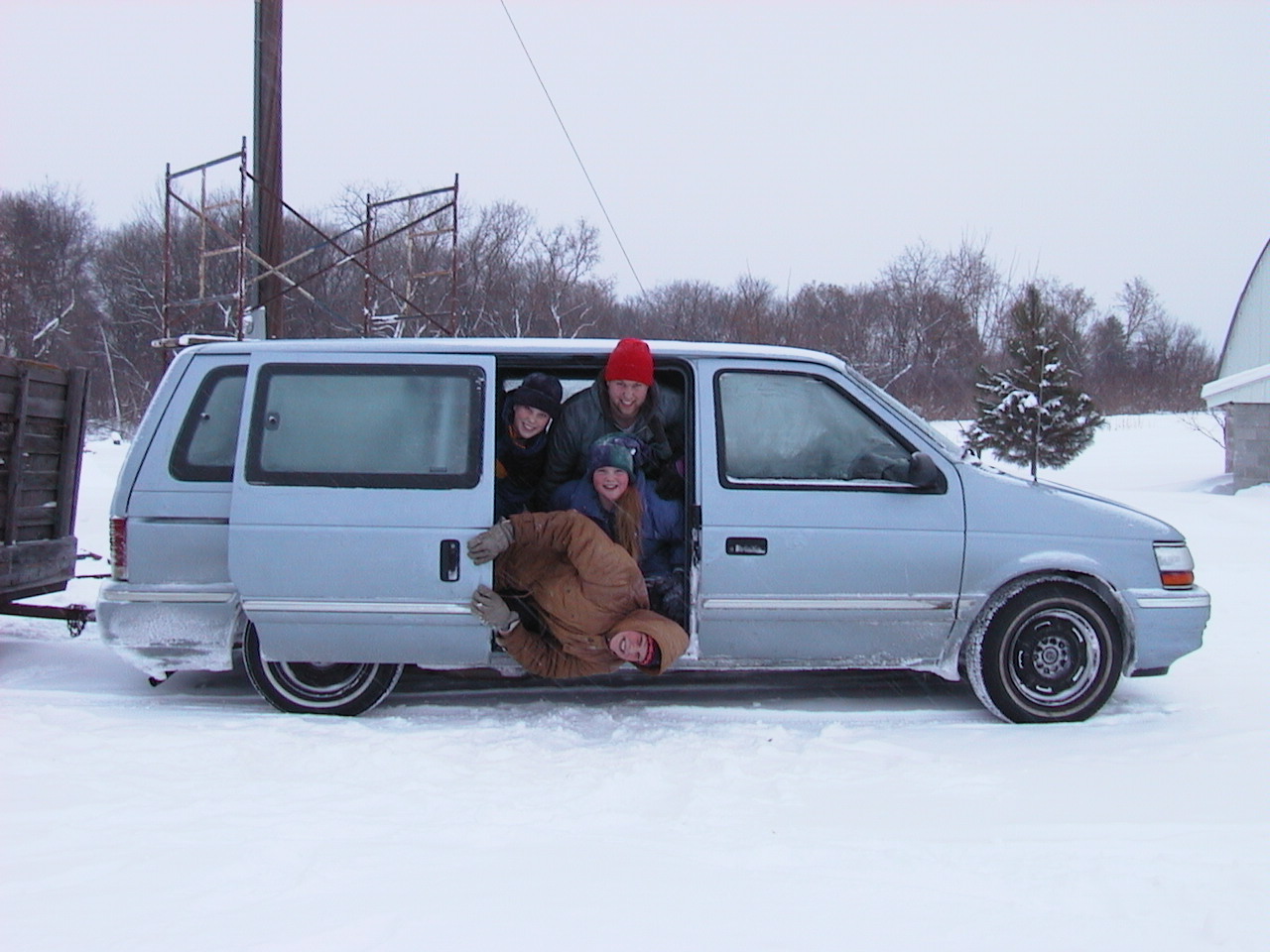
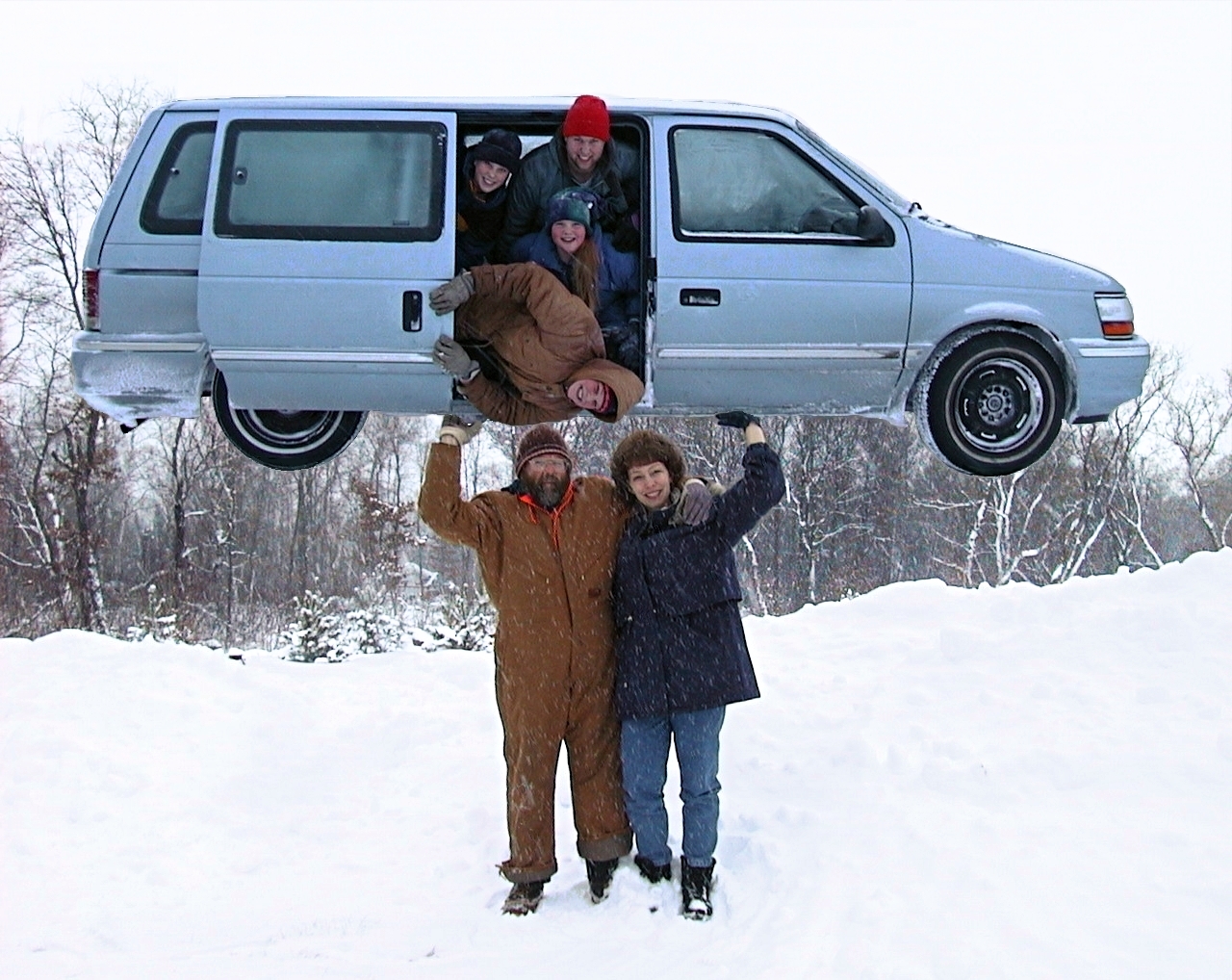
Here is the height of my digital cut and paste career. I started out by having Mom take a picture of all 4 kids piled into the minivan, with the trailer hooked up and everything. | |
|
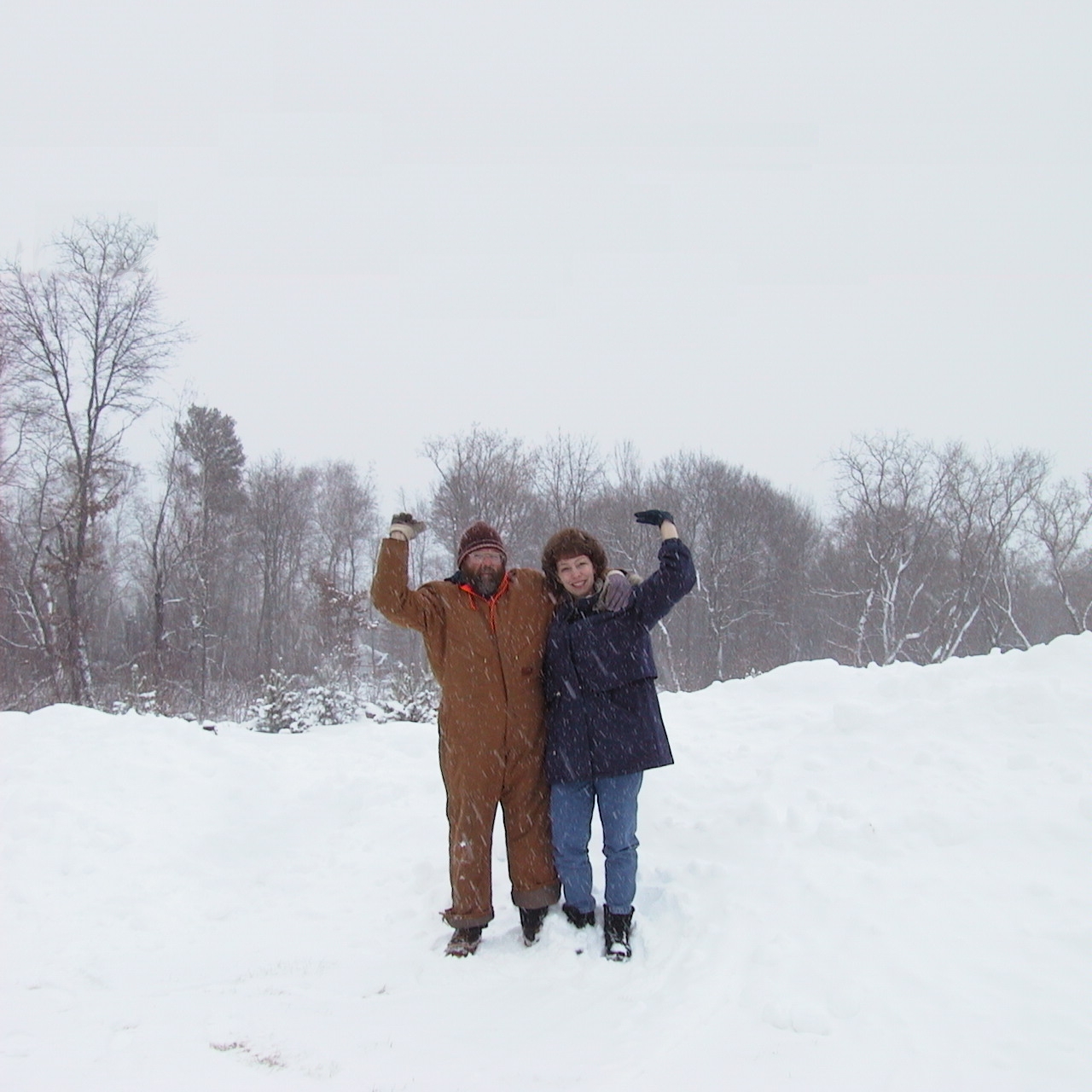
Next, I had Mom and Dad stand with their hands in the air. Judging by the look of skepticism on Dad's face, I'm lucky I got the picture off...
This image is actually 1280x1280 resolution (my camera only goes up to 1280x960), so the top inch of trees is copied and pasted in there, and the sky is copied from the other parts of the sky. That's one of the nice parts about overcast days. |
|
|
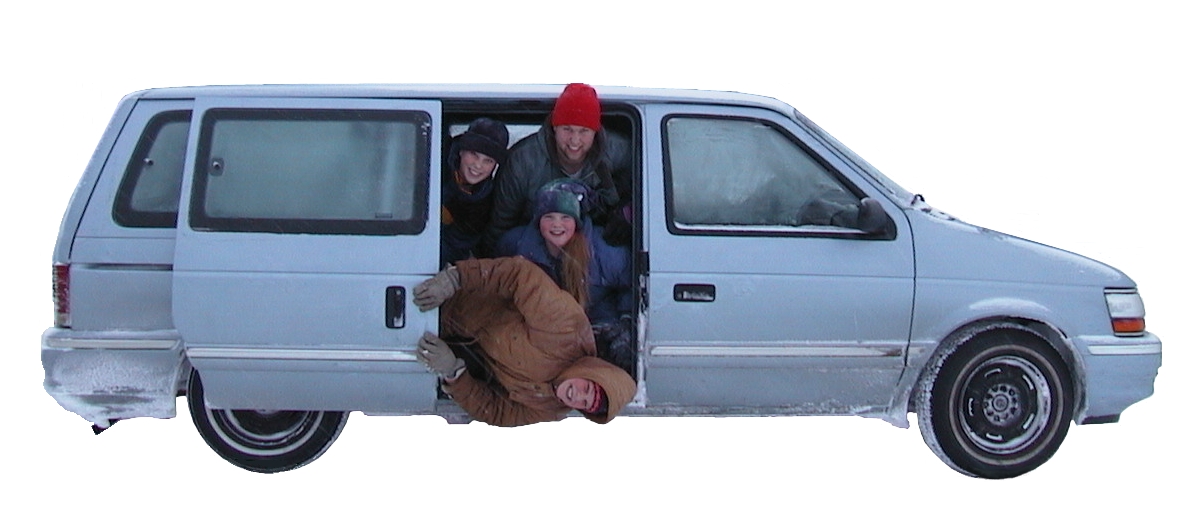
Cutting around the van wasn't tough, but I did have to draw in the bottoms of the tires, and try to figure out what was shadow and what was minivan. | |
|
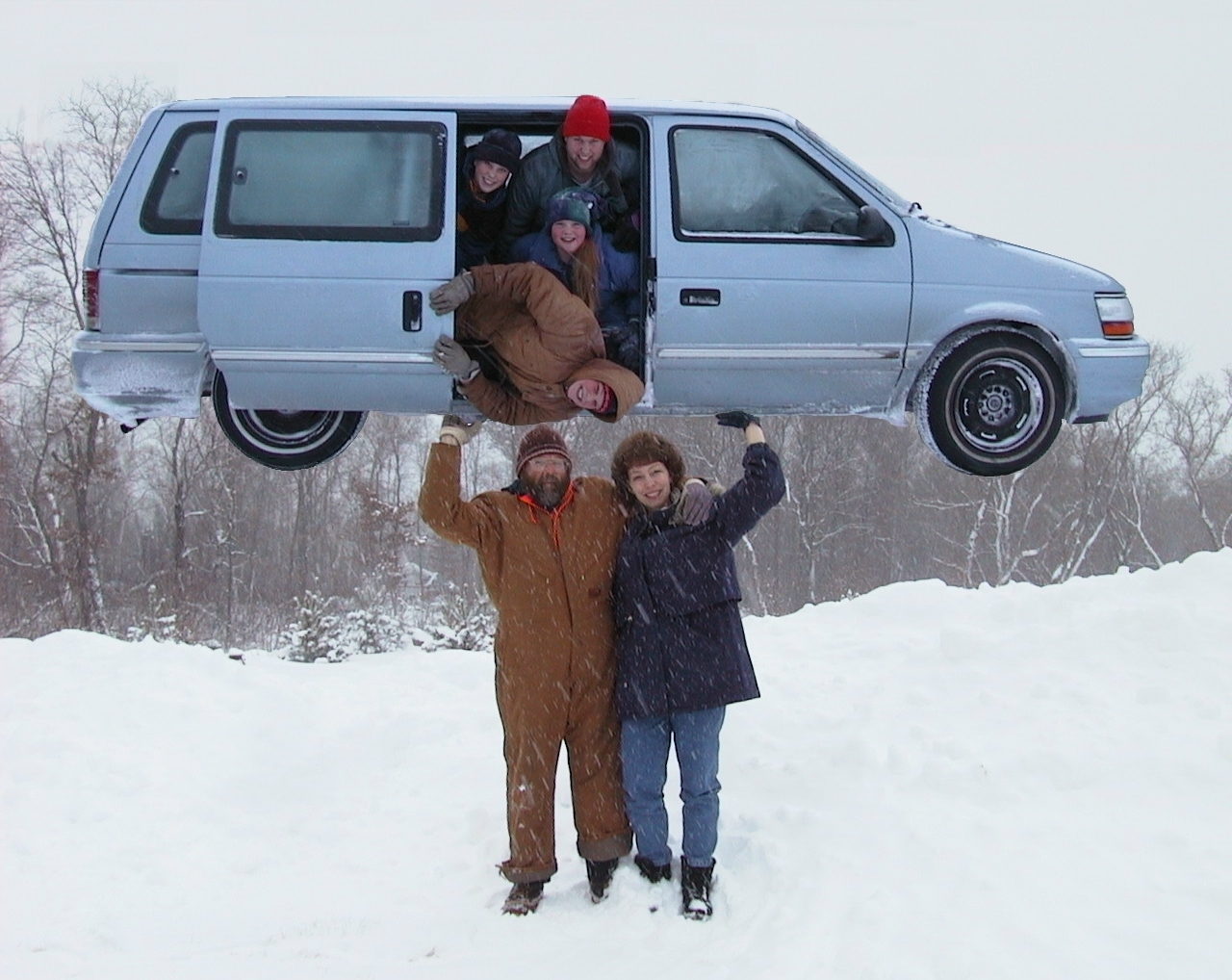
Next was the pasting of the van into the other picture. After plunking it down, I had to smudge the edges into each other so they would blend well, and I also had to do a little manuvering with the hands so that Mom and Dad looked like they were holding the van up, and not just using telekinesis. | |
|
Finally, I sharpened up the trees, brightened the sky, and eleminated some of the snow from in front of Mom and Dad (it wasn't snowing when the picture of the kids was taken. Hopefully this will make our Christmas card next season! | |
|
. . . First Picture |
||
This page was last updated May 3, 2001.| © Copyright 2001, Andrew Fredman
| |